Training
Advanced Web Applications Development
Module 2 of the Professional ToT Training Workshop: build and extend a working fare-lookup API in four hours, then take the labs away and teach them yourself.
What does a trip from Westfield to Brikama cost today? Passengers and apprentices argue about it daily, and the answer changes — fares went up in April 2026 when fuel did. A fare is not one number: it is a number that was true from a certain date.
That is the application we build. By the end of the session you will have extended a small working API so it can search fares, accept new ones safely, keep them behind a login, and prove itself with automated tests that run on every push.
This is a training of trainers. Everything here is written so you can re-run it with your own students: the labs, the places people get stuck, and what to cut when you have two hours instead of four.
What we’ll be building
Passo: one page that asks the API what a trip costs today, and an API that knows the difference between the fare now and the fare last year. Plain HTML and CSS on the front, Express and PostgreSQL behind it — small enough to read in an afternoon, real enough to be wrong in interesting ways.
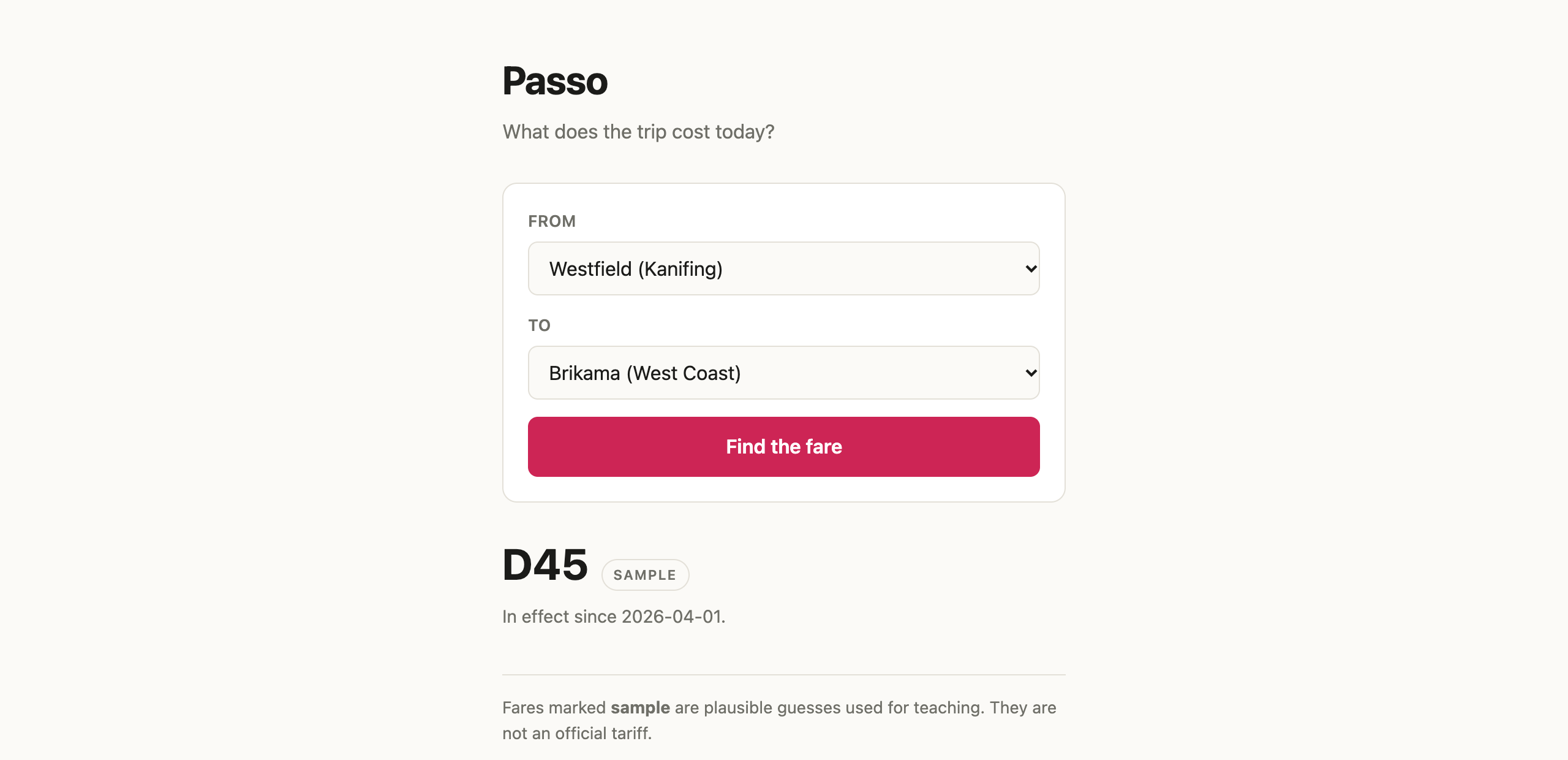
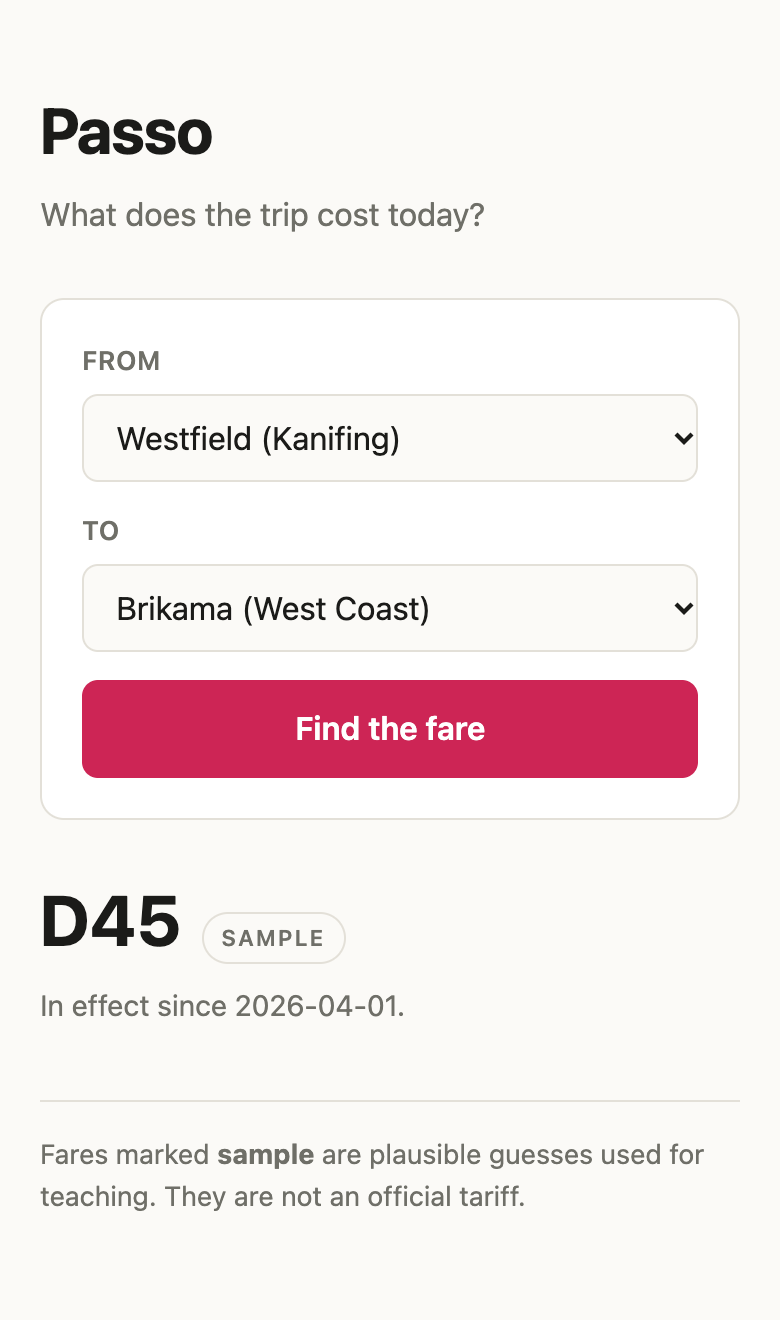
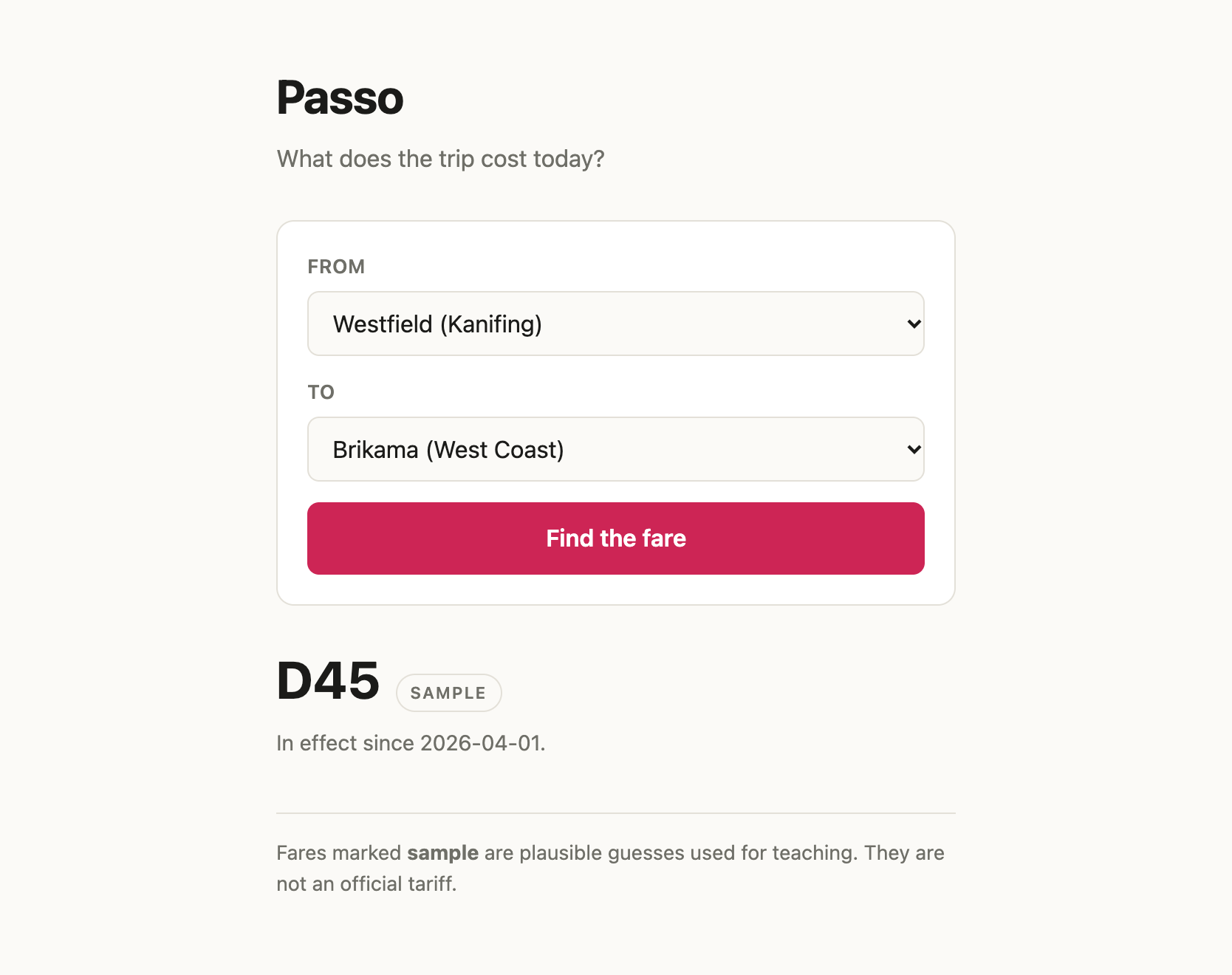
The fare in that screenshot says sample, and it says so on purpose. The
seeded figures are plausible guesses, not an official tariff, and the app
admits it on every answer. Lab B is where you add a fare you actually paid and
watch the badge change to verified.
Four hours gets you there in four steps: search a fare (Lab A), add one safely (Lab B), put the writing behind a login (Lab C), and prove the search still works with tests that run on every push (Lab D).
The day
Two back-to-back sessions of two hours. Each is a short briefing followed by lab time, and you work in pairs — a lecturer with a student where possible, swapping who types at each lab.
If your pair falls behind, you check out the next checkpoint branch and rejoin. Nobody is stranded.
Before you come
Do the setup page on your own laptop before Friday. It takes about twenty minutes on a reasonable connection, and it is the one thing that cannot be done in the room — fifteen people installing a database at the same time on the same wifi is how a four-hour session becomes a three-hour one.